Step 1: Request Telegram Bot Token & Create Mini App
This guide walks you through registering a Telegram Bot, enabling Telegram Stars virtual currency checkout, and configuring the Mini App direct launch link using the official Telegram management bot @BotFather.
Phase 1: Create Bot and Obtain API Token
Open Telegram, search for the official management bot
@BotFather(verified with a blue checkmark), and start a chat.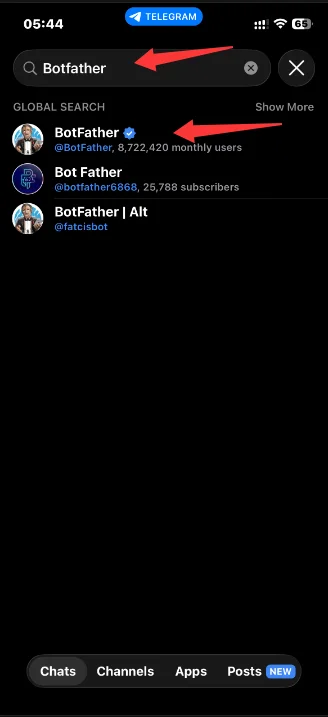
Click Create a New Bot (or send
/newbot), then click Open.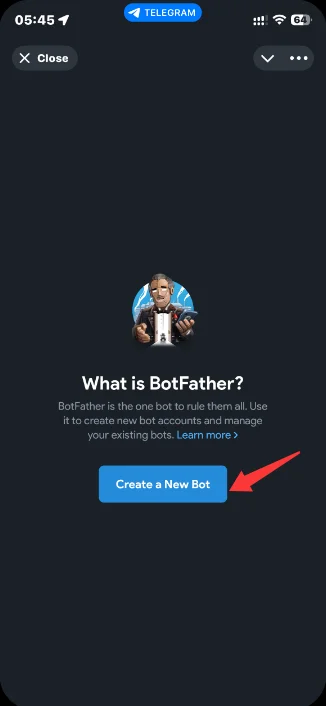
Set Display Name: Enter the public display name for the bot (e.g.,
FastTMA Game Demo).Set Unique Username: Enter an identifier ending strictly in
bot(e.g.,FastTMAGame_test_bot).Save Credentials: BotFather will return an HTTP API Token (formatted as
7123456789:AAFn_xXxXxXxXxXxXxXxXxXxXxXx). Copy and store this Token securely in your local environment notes.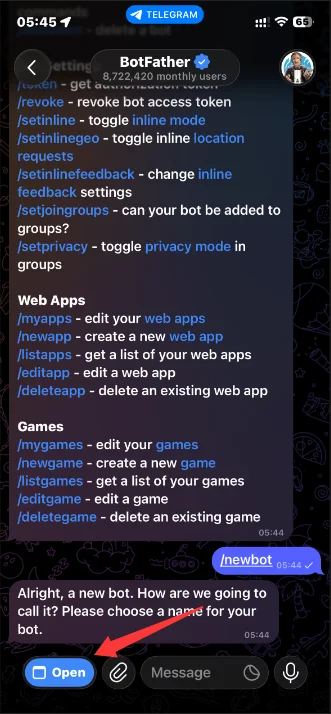
Security Notice
Keep your Bot Token confidential. Never commit it to public version control or expose it inside client-side Unity C# code.
Phase 2: Enable Telegram Stars Payment Channel
- Send
/mybotsin the@BotFatherchat, then select the newly created bot. - Navigate to Bot Settings $\rightarrow$ Payments.
- Select Telegram Stars and enable the service to permit in-app invoice generation and settlement.
Phase 3: Create Mini App Launch Entry Point
In the
@BotFathermanagement interface for your bot, click Settings $\rightarrow$ Mini Apps.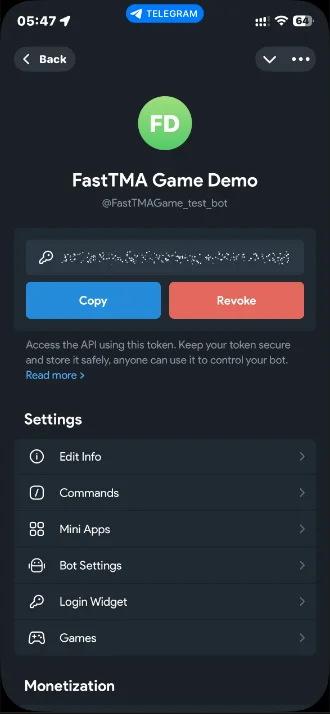
Under the Direct Links section, click Create Direct Link.
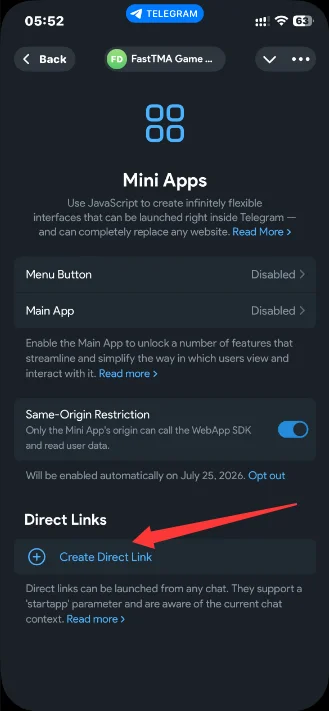
Complete the required Mini App metadata:
- Title: In-app window title (e.g.,
FastTMA Demo). - Description: Brief summary of the game.
- Web App URL: Target HTTPS address hosting your WebGL build (temporary staging URLs like
https://example.comare permitted and can be updated anytime via/myapps).
- Title: In-app window title (e.g.,
Retrieve Direct Link: BotFather will generate the final launch link (formatted as
t.me/FastTMAGame_test_bot/game). Clicking this link launches the Mini App inside Telegram.