Official Prefab Widget Library
Out-of-the-box widget library designed specifically for new projects and indie developers. All assets are located in Packages/com.fasttma.core/Runtime/Prefabs/. Drag and drop prefabs into your scene to instantly gain production-ready, polished UI elements with pre-configured components and events.
1. FastTMA_SafeAreaContainer
A full-screen UI container that automatically contract margins to avoid hardware cutouts (iPhone Dynamic Island, notches, and bottom Home Bar) and Telegram client header elements.
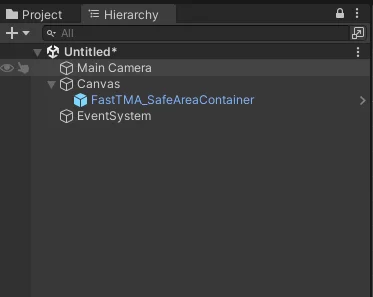
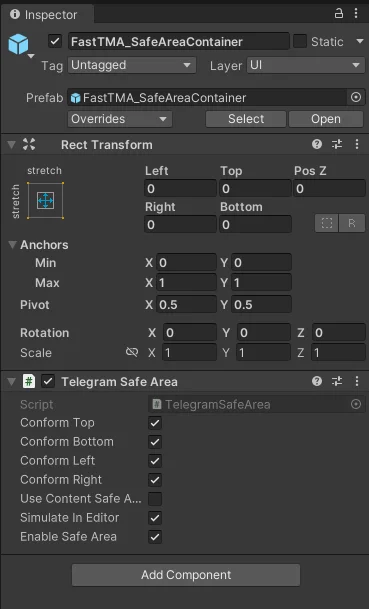
- Path:
Packages/com.fasttma.core/Runtime/Prefabs/FastTMA_SafeAreaContainer.prefab - Anchors: Stretch / Stretch (
Min: 0,0 | Max: 1,1 | Offsets: 0,0,0,0) - Core Component:
TelegramSafeArea - Usage: Place directly under your UI
Canvas. Move all in-game interactive HUD elements, top scorebars, and action buttons inside this container.
2. FastTMA_StarsPayButton
Native Telegram Stars checkout button pre-styled with official Telegram blue styling (#2481CC), built-in tactile haptic feedback, and payment event handlers.
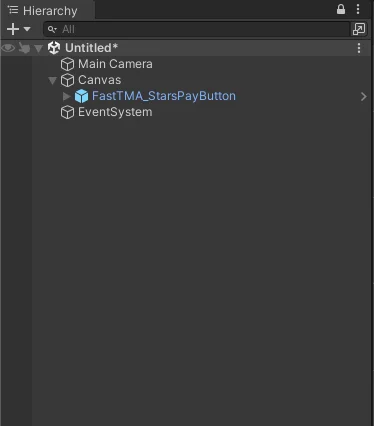
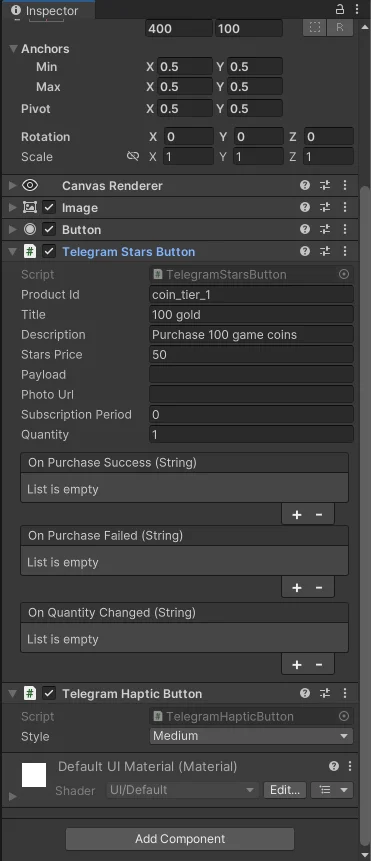
- Path:
Packages/com.fasttma.core/Runtime/Prefabs/FastTMA_StarsPayButton.prefab - Core Components:
TelegramStarsButton: Manages price, title, description, and fulfillment callbacks.TelegramHapticButton: Dispatches aMediumhaptic impulse when clicked.
- Usage: Drag into your shop panel, configure
Product IdandStars Price, and bind your in-game item delivery function to theOn Purchase Success (String)event slot.
3. FastTMA_UserInfoWidget
User profile widget configured with a horizontal layout that automatically retrieves and displays the active Telegram user's identity.
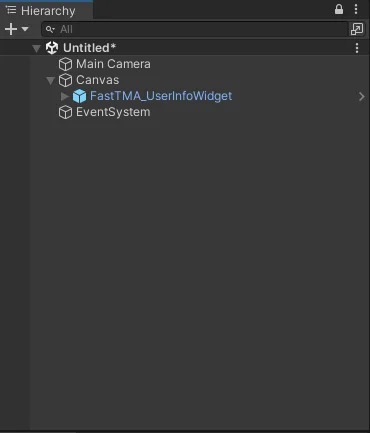
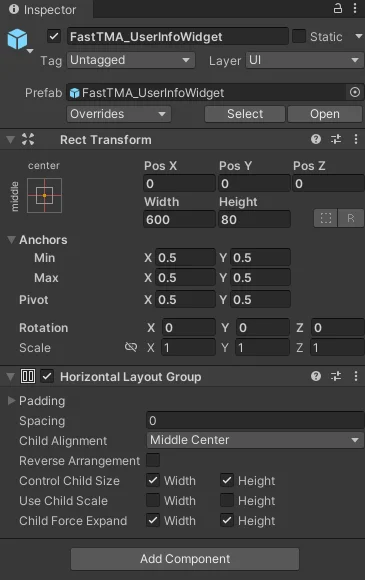
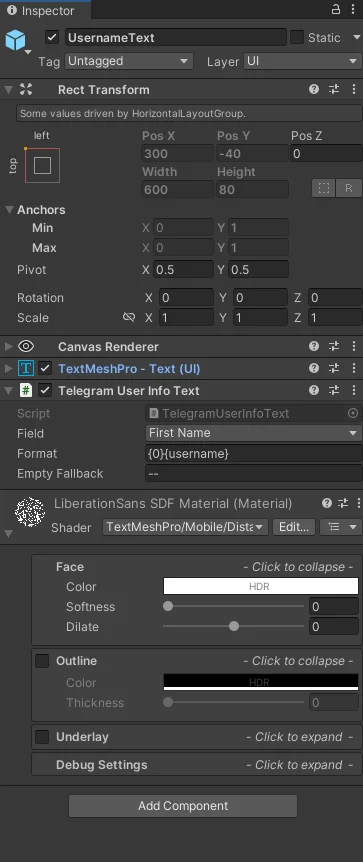
- Path:
Packages/com.fasttma.core/Runtime/Prefabs/FastTMA_UserInfoWidget.prefab - Core Component:
TelegramUserInfoText - Field Selection: Select target fields directly from the inspector dropdown:
Id,Username,First Name,Last Name,Full Name,Display Name,Language Code,Is Premium,Photo Url,Allows Write To Pm,Is Bot.
- Usage: Drag into your main menu or profile header to display player details without writing C# code.